

22 FREE Online Tools Every Remote Worker Actually Needs
We’re all looking for ways to work smarter, not harder. Whether you’re running a business, working as a VA, or building a remote career, the right tools make a huge difference — and the best part? These ones are free.
Below are free online tools I actually use (or have used) that help with everything from photo editing to project management. I’d recommend scanning the list and picking one or two that tackle your biggest pain point right now rather than trying to adopt all of them at once.
If I had to pick just one I couldn’t live without, it’d be Asana — it basically runs my life. But read on, and I promise you’ll find at least one game-changer in here.
READ MORE: 26 Digital Nomad Jobs: Best Remote Jobs for Travelers!
Table of Contents
- Free Online Tools for Photo & Video Editing
- Free Online Tools for Design
- Free Online Tools for Organization
- Free Online Tools for Social Media Scheduling
- Free Online Tools for Communication
- Free Online Tools: AI Assistants
- Free Online Tools for Grammar Checking
- Free Online Tools for Storage
- Free Online Tools for Security & Privacy
- Free Online Tools for Learning
- More Remote Working Resources
Free Online Tools for Photo & Video Editing
1. Snapseed & Lightroom
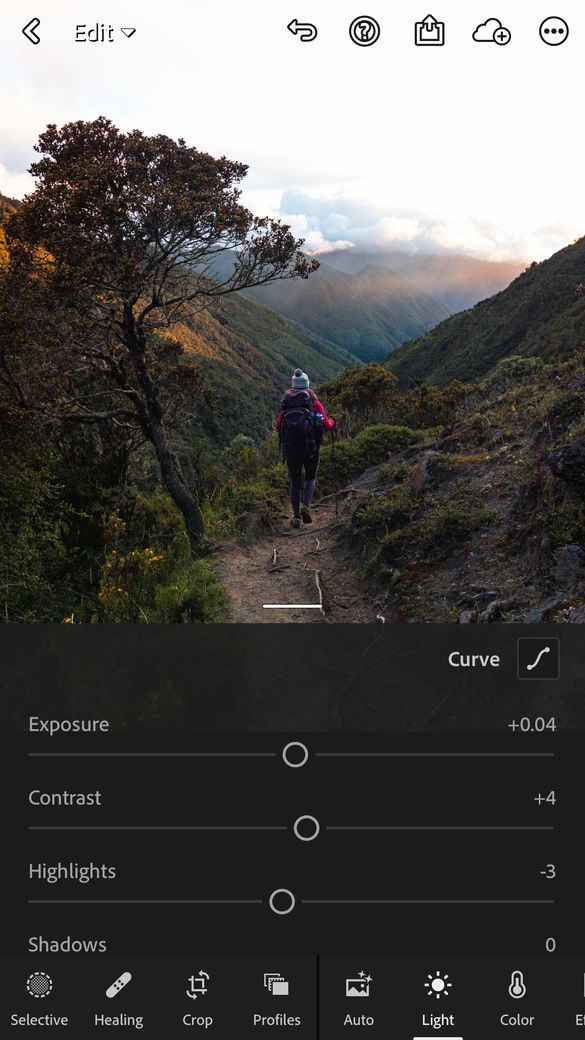
Snapseed is a fantastic free photo editor that sits in the sweet spot between basic and professional. It offers 29 tools and filters — healing, color tuning, perspective, detail adjusting, and more — all tweakable with fine precision. Quick to install and great for desktop use.
Lightroom’s free mobile app is a step up in power. Edit on the go, upload straight to social media, and — best of all — use presets to apply a consistent look across all your photos in seconds. A few premium features (like image retouching) require a paid upgrade, but the free version is genuinely excellent.
Both apps do similar things, so it really comes down to preference. Lightroom is slightly more advanced; Snapseed is a little more approachable. I use both, though my heavy editing happens in Lightroom on my laptop.

2. Video Editor
Need powerful video editing without the price tag? DaVinci Resolve is the answer. It handles 8K editing, color correction, visual effects, and audio post-production — all in one free tool. The learning curve is real, but there are plenty of tutorials out there to get you up to speed fast.
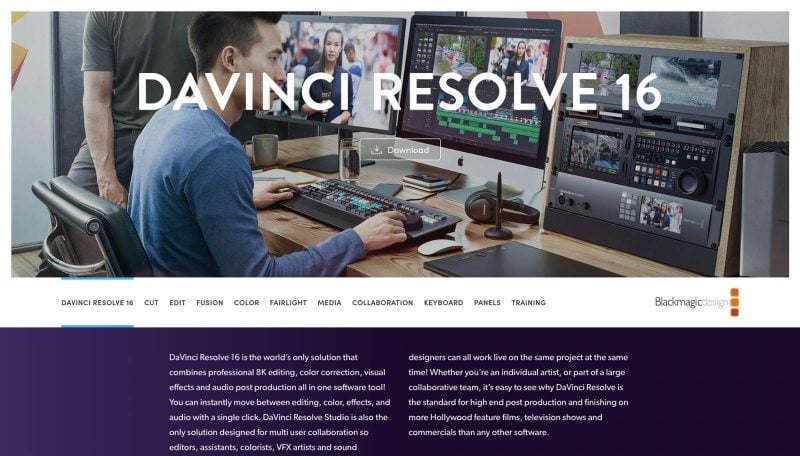
My partner Garrett (a videographer and editor) uses Adobe Premiere as his standard, but DaVinci Resolve is his top recommendation for a free alternative.
Of course, it’s also worth it to shop around, as there are some other options that might fit you best. VEED is a simple yet powerful online video editor that runs directly in your browser, making it a great option for quick edits without downloading heavy software.
3. PicMonkey
PicMonkey is perfect for creating polished social media graphics. Browse artist-made templates sized for every platform, then swap in your own images, add text, or play with filters. It offers 6,000+ graphics and textures, hundreds of fonts, thousands of templates, and collage layouts.
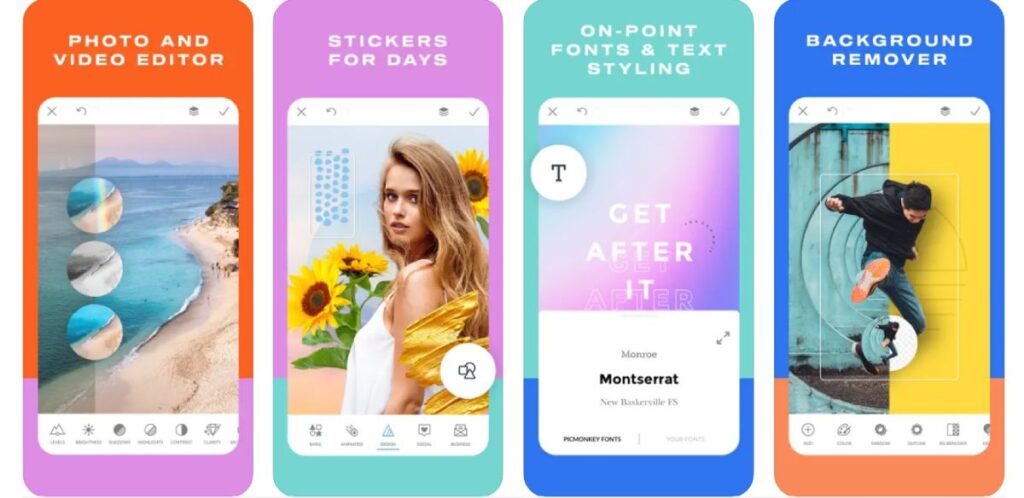
Note: the desktop version is no longer free, but the iPhone and Android apps still are.
RELATED: 7 Steps on How to Become a Travel Videographer + Tips
Free Online Tools for Design
4. Canva & Adobe Express
Canva is my go-to for design. It’s incredibly easy to use, the output looks professional, and it covers everything: social media posts, posters, business cards, presentations, and more. You get free backgrounds, fonts, over a million images, and built-in photo editing — all without needing design experience.
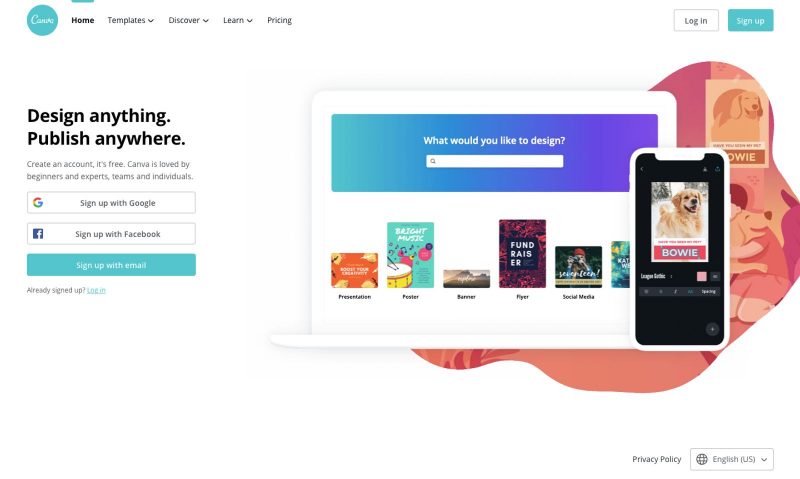
Adobe Express (formerly Adobe Spark) is a strong alternative, especially if you’re already in the Adobe ecosystem. Create graphics, social posts, and short videos in minutes, with access to Adobe Stock images. There are apps for Android and iOS that sync seamlessly with the web version.
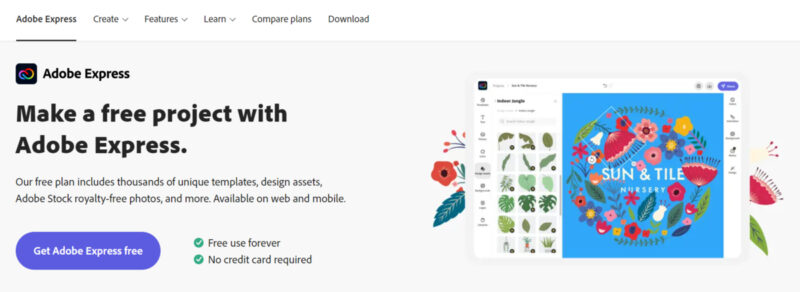
I default to Canva on desktop and switch to Adobe Express when I need to design from my phone. Try both and see which clicks for you.
5. Awesome Screenshot
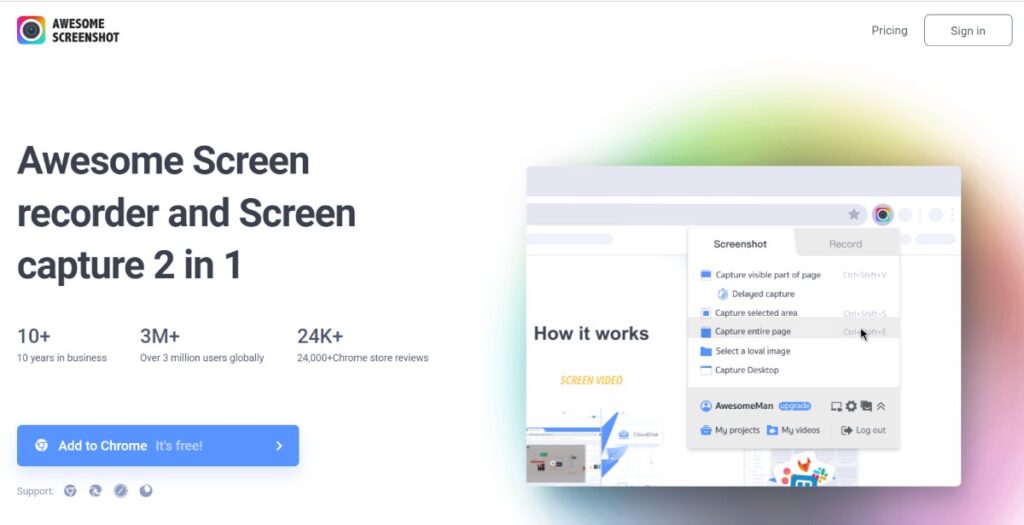
Awesome Screenshot is a Chrome extension that does exactly what it sounds like — but better. Capture a full webpage in one shot (no more scrolling and stitching), then annotate, blur sensitive info, and share with just a few clicks. It’s a genuine time-saver for anyone who frequently explains things visually.
Free Online Tools for Organization
6. Google Workspace
Google Workspace is a whole ecosystem of free tools — Gmail, Drive, Docs, Sheets, Calendar, Keep, Forms, and more. If you’re not already using it, start now.
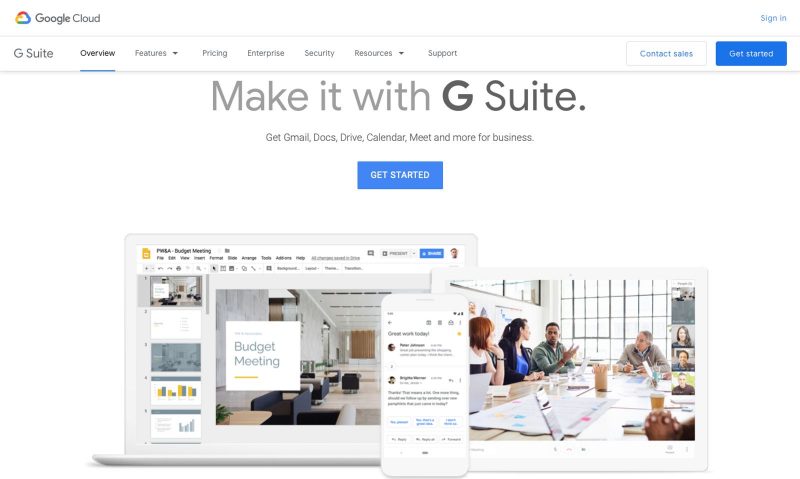
A few highlights: Google Calendar syncs automatically with Gmail bookings and is easy to share with teammates. Google Docs makes real-time collaboration effortless — ideal for working with clients or remote teams. Google Keep is a simple but underrated tool for to-do lists, quick notes, and reminders. And Google Forms is great for sending surveys or collecting info from clients, with responses displayed in a clean, easy-to-read format.
7. Notion
Notion is one of the most popular tools in the remote work world right now — and for good reason. It’s part notes app, part project manager, part wiki, all in one. You can use it to manage client work, build SOPs, track tasks, take notes, store resources, or run your entire freelance business from one place.
The free plan is genuinely generous for solo users and small teams. If you’re a VA or remote worker juggling multiple clients, Notion is worth exploring — there are tons of free templates online to get you started fast.
8. IFTTT
“If This Then That” — IFTTT connects your apps and devices so they work together automatically. Set up a trigger in one place, and it fires an action somewhere else. Some useful examples:
- Get a daily weather notification at 7am
- Auto-post Instagram photos to Twitter/X
- Forward emails from a specific person instantly
- Find your phone through Alexa
You can also build your own custom “recipes” — the possibilities are pretty endless, and once it’s set up, it just runs in the background.
9. Trello & Asana
Both are excellent project management tools — people tend to have strong opinions about which they prefer, so this one comes down to personal taste.
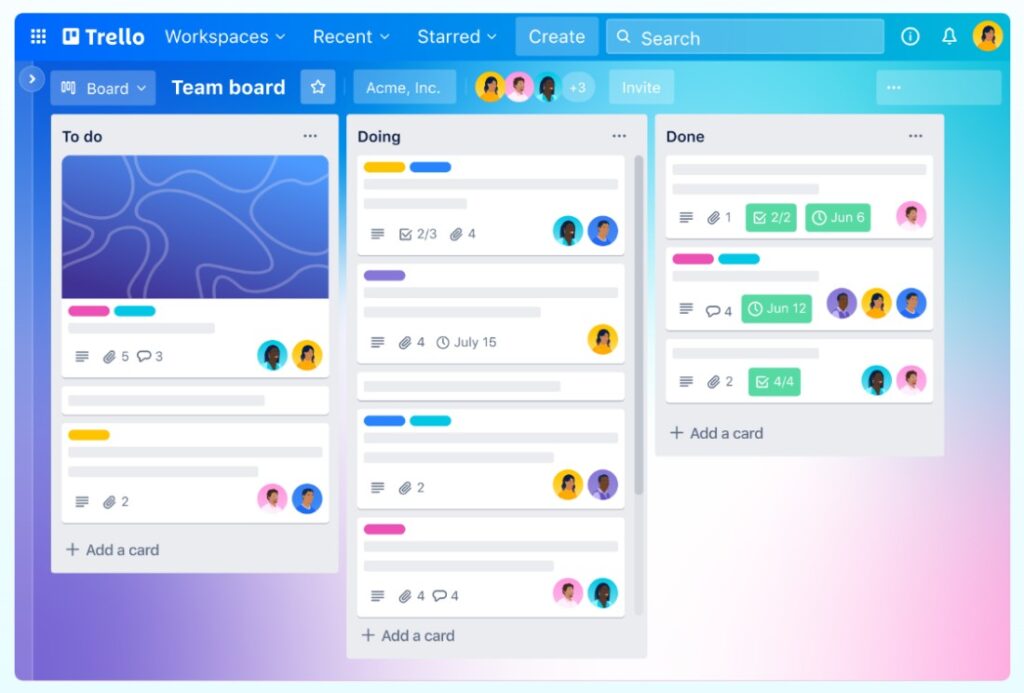
Trello uses a visual board-and-card system that makes it easy to see what’s happening across projects at a glance. Great for teams — you can add comments, attachments, and due dates to each card, and integrate your existing apps directly into your workflow.
Asana is my personal favorite. I use it every single day. You can assign tasks to team members, set due dates and subtasks, leave comments, and get notified when things are done. It auto-saves, works great for remote teams, and — my favorite touch — sends a flying unicorn or monkey across the screen when you complete a task. Pure joy.
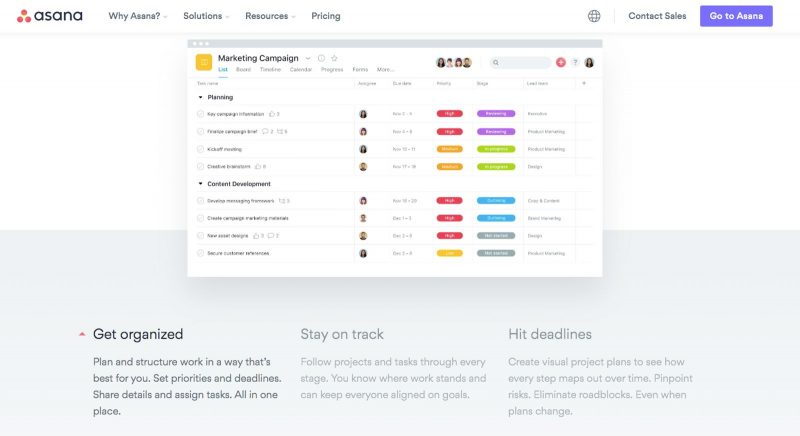
I still use the free version of Asana and it covers everything I need. There are paid features I’m missing out on, but nothing I’m losing sleep over.
10. BeFocused
BeFocused is a Pomodoro-style timer that breaks your work into focused intervals with short breaks in between. Simple concept, surprisingly effective — especially when you’re working from home and distractions are everywhere. You can create task lists, configure break lengths, and track your progress across the day or week.
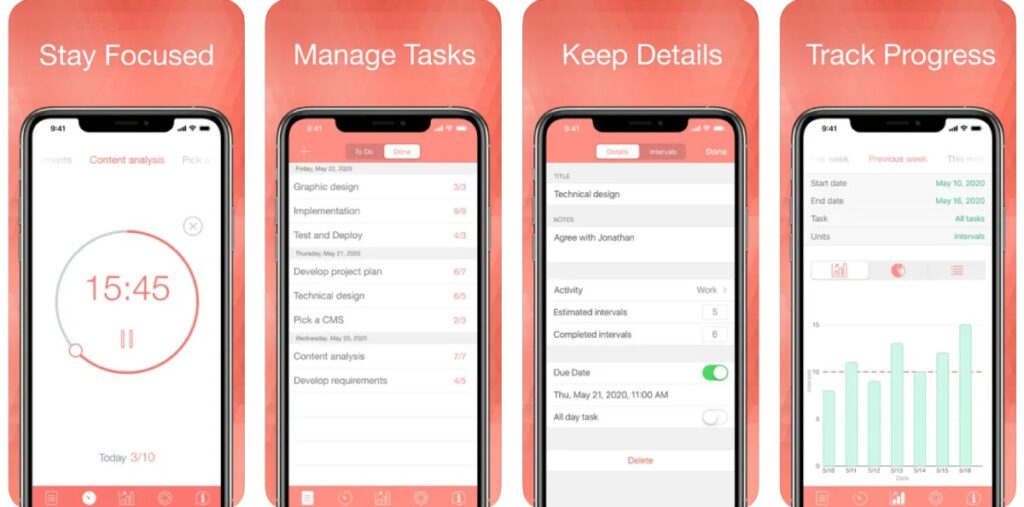
The iPhone app is free; the Mac desktop version requires payment (no Windows or Android, unfortunately).
11. Toggl
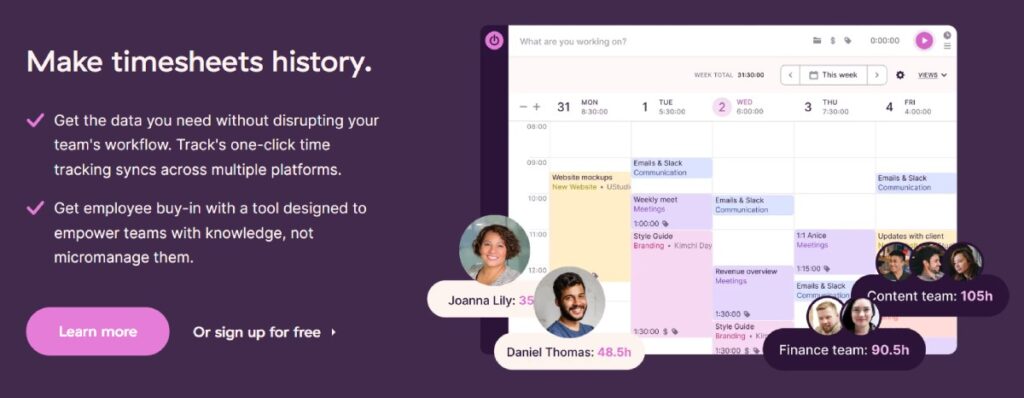
Toggl is a time-tracking tool that shows you exactly where your hours are going. Start a timer when you begin a task, stop it when you’re done. Over time, the data reveals patterns — where you’re being efficient, and where you’re losing time. Great for freelancers billing by the hour or anyone managing a remote team. Don’t forget to use an invoice generator to get your money!
RELATED: Simple Travel Home Office Accessories You Need to Work Comfortably
Free Online Tools for Social Media Scheduling
12. Buffer & Metricool
If you’re managing social media — for yourself, a business, or a client as a VA — a scheduling tool is non-negotiable. It saves hours every week and keeps things consistent without needing to be glued to your phone.
Buffer is the simplest option and has a genuinely useful free plan — connect up to 3 social channels and keep up to 10 scheduled posts per channel in the queue at a time. Clean interface, easy to learn, and supports a wide range of platforms including Instagram, Facebook, LinkedIn, X/Twitter, Pinterest, and even newer ones like Bluesky and Mastodon. Best pick if you want something straightforward with zero learning curve.
Metricool is the better pick if you want more data. The free plan includes analytics and even competitor tracking — features most tools charge for. Great for anyone who needs to report social media performance to clients.
Free Online Tools for Communication
13. Zoom
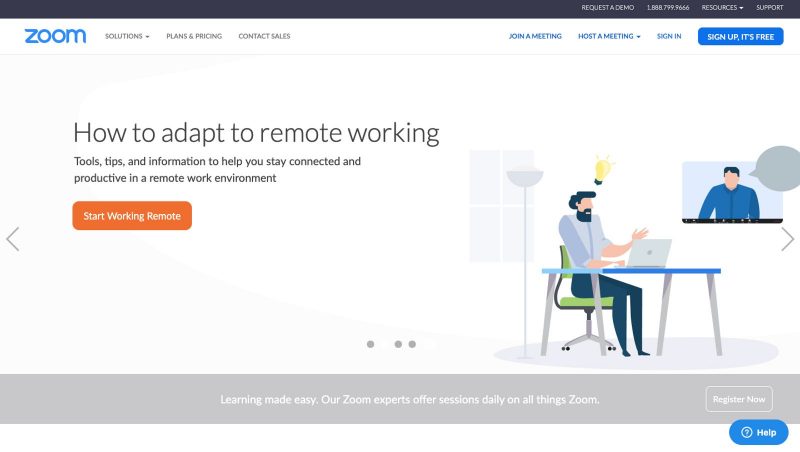
Zoom has become the standard for video meetings — and for good reason. It’s reliable, easy to use, and works on desktop and mobile. You can do audio-only or video calls, share and annotate screens collaboratively, and record sessions to refer back to later.
14. Slack
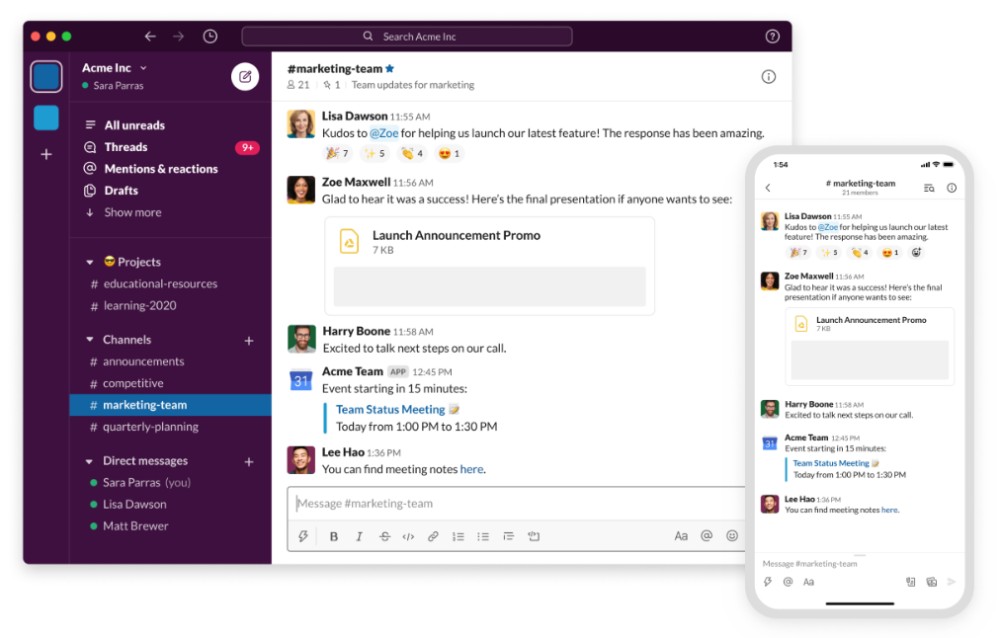
Slack is the go-to messaging tool for remote teams. Think of it as a workplace group chat with a lot more built in. You can organize conversations into Channels (group chats by topic or project) or send Direct Messages one-on-one. The invitation system keeps everything organized and easy to manage.
Free Online Tools: AI Assistants
15. Claude, ChatGPT & Other AI Tools
You can’t ignore AI tools at this point — and honestly, why would you? For remote workers, VAs, freelancers, and anyone working online, these are straight-up productivity multipliers. Write emails, draft content, brainstorm ideas, summarize documents, research topics, create templates — the use cases are endless.
Claude (that’s me!) and ChatGPT are the two biggest names, and both have solid free plans. Claude tends to be stronger for longer documents and nuanced writing; ChatGPT has a massive plugin ecosystem and is great for general use. Both are worth having in your toolkit. Google Gemini is also worth a mention — it’s free and integrates directly with Google Workspace, which is handy if you’re already living in Google Docs and Gmail.
Free Online Tools for Grammar Checking
16. Hemingway
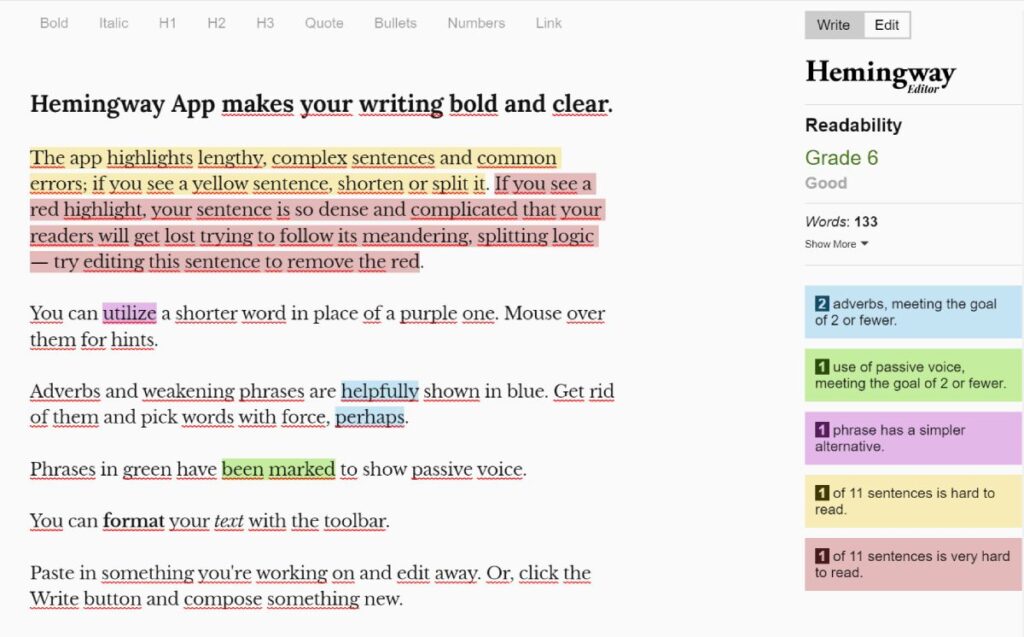
The Hemingway App is a writer’s best friend. Paste in your text and it highlights problem areas: yellow for sentences that are too complex, red for ones that are nearly unreadable. The goal is clear, bold, easy-to-read writing — and Hemingway keeps you honest.
17. Grammarly
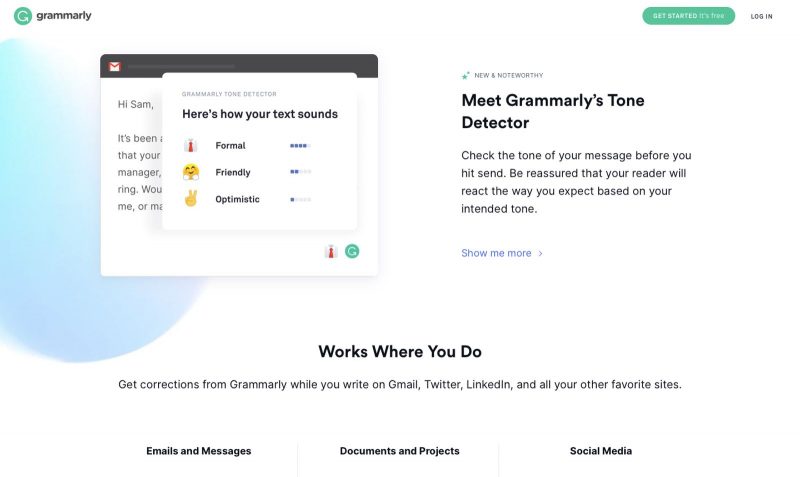
Grammarly is an essential tool if you write anything regularly. Add it as a browser extension and it checks your work automatically as you type — catching spelling errors, fixing verb tenses, and suggesting cleaner sentence structures. No copying and pasting required.
The free version is solid. I’ve since upgraded and won’t go back — the extra features are absolutely worth it for anyone writing regularly.
RELATED: How to Be a Freelance Content Writer and Turn Your Words Into Money
Free Online Tools for Storage
18. Dropbox & Google Drive
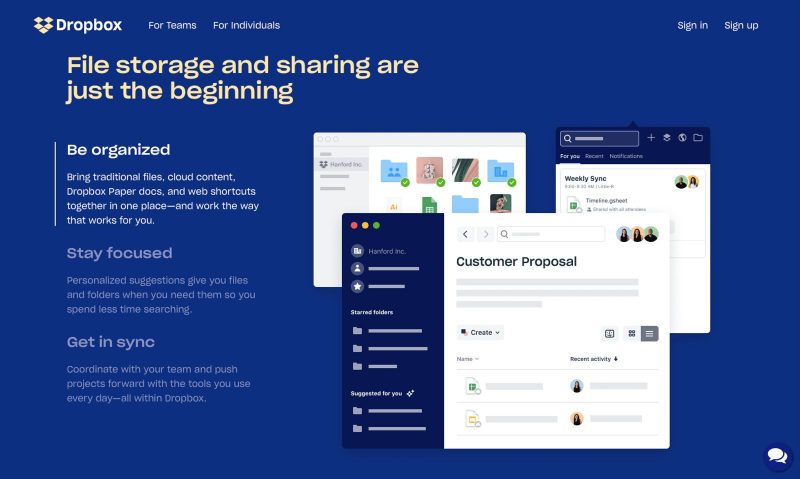
Dropbox keeps identical copies of your files both locally and in the cloud, making them accessible across all your devices. It’s especially handy for teams — share folders with anyone you choose, and any edits sync automatically across everyone’s accounts.
Google Drive works similarly, with the added bonus of tracking every revision you make for the last 30 days. Store documents, photos, music, and videos — all searchable by content, not just filename. Changes sync instantly across all your devices.
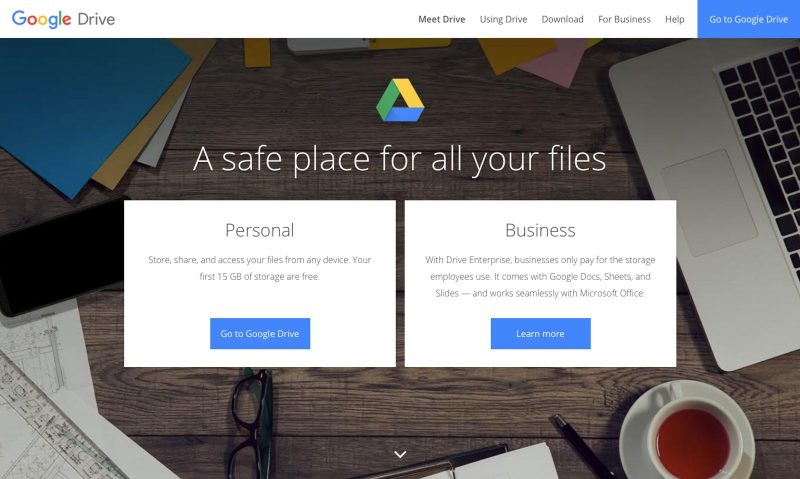
Use both and double your free storage — between Dropbox and Google Drive, I haven’t needed to pay for document storage in years.
This guide gives you the *exact* steps, visa options, and decision tools to pick the best country for *you*.
No fluff. No BS. Just straight-up ✨virtual hand holding✨ so you can stop dreaming and get out of the US!

19. WeTransfer
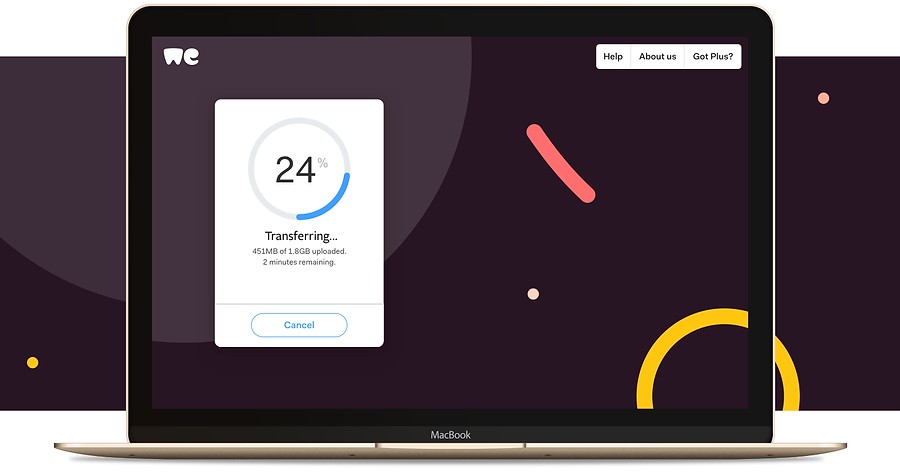
WeTransfer solves a very specific but very annoying problem: sending files too large for email. Upload up to 2GB for free, enter the recipient’s email address, and done. No account required for the recipient.
Free Online Tools for Security & Privacy
20. Password Manager
If you’re working online, you have a lot of passwords — and reusing the same ones is a security disaster waiting to happen. A password manager stores them all securely so you only have to remember one master password.
Bitwarden is the best free option — open source, highly secure, and works across all your devices and browsers.
If you’re on a Mac, the built-in Passwords app (formerly iCloud Keychain) is also completely free and works seamlessly across Apple devices. Either way, just use something — it’s one of the easiest security wins out there.
21. Proton VPN
A VPN (Virtual Private Network) encrypts your internet connection, keeping your activity private — especially important when working from cafes, co-working spaces, or anywhere with public WiFi. This is a big deal if you’re working remotely or living abroad.
Proton VPN is the best free option out there right now. It has no data caps (rare for a free VPN), a strict no-logs policy, and is backed by the same Swiss privacy-focused company behind ProtonMail. The free plan gives you access to servers in 10 countries — more than enough for secure daily browsing.
Free Online Tools for Learning
22. Skillshare & Udemy
If you want to learn something new or sharpen an existing skill, these two platforms are the best places to start.
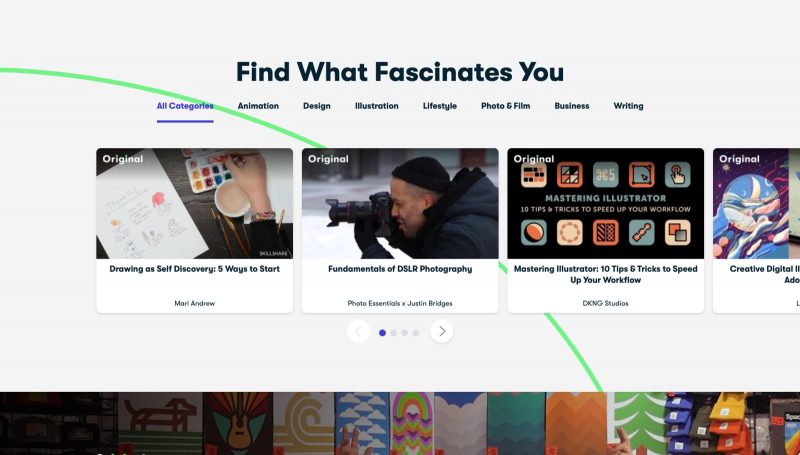
Skillshare focuses on creative skills — design, photography, video, illustration, freelancing, and more. It has millions of members and a strong community feel, with courses taught by working professionals.
Udemy has a massive library of 100,000+ courses covering almost every topic imaginable. Since anyone can publish a course, quality varies — so read the reviews carefully before committing. When you find a good one though, it’s genuinely great value.

More Remote Working Resources

Which of these free online tools are you most excited to try? Drop a comment below — I’d love to know!

This guide gives you the *exact* steps, visa options, and decision tools to pick the best country for *you*.
GRAB THE GUIDENo fluff. No BS. Just straight-up ✨virtual hand holding✨ so you can stop dreaming and get out of the US!